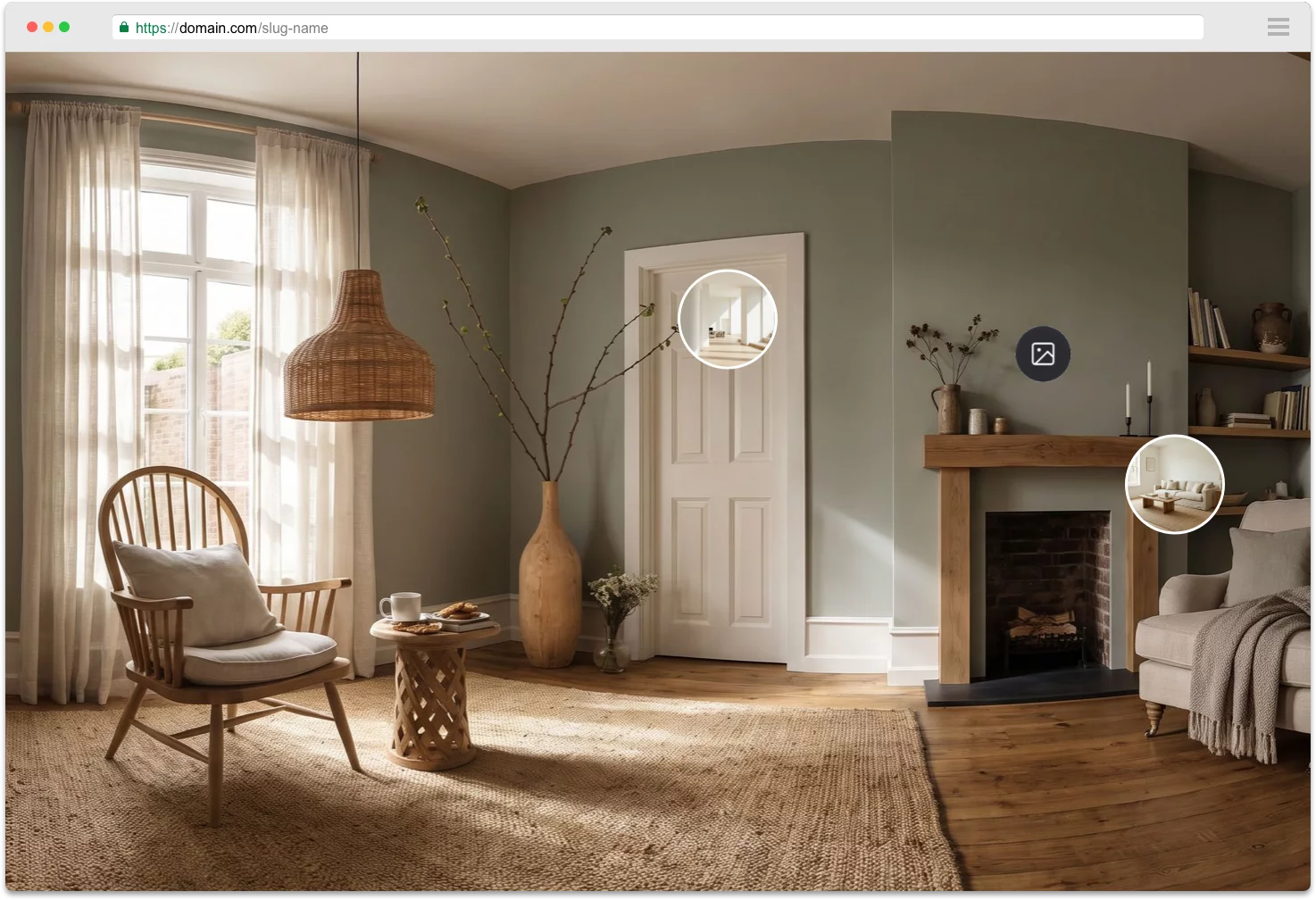
Starte mit einem Beispiel-360°-Bild, um den Editor zu erkunden. Du kannst es jederzeit ersetzen!
Lade deine eigenen 360°-Panoramabilder hoch. So nimmst du 360°-Fotos auf →
Schreibe hier etwas.
7-day free trial · client-ready
Deine Tour bekommt einen Link, den jeder auf jedem Gerät öffnen kann.
We can't wait to share what we've been working on, but sadly this feature isn't quite ready for you yet.Please come back soon!
Du musst deine Tour veröffentlichen, damit Personen mit dem Link sie sehen können.
Einmal kalibrieren, wenn du ein bestimmtes Headset an Kunden ausgibst. Alle Viewer dieser Tour nutzen diese Einstellungen.
Setze die Nordposition auf jedem Pano für beste Ergebnisse.
Wähle, wie Navigations-Hotspots aussehen. Thumbnail zeigt eine Vorschau des Zielpanoramas.
Applies to all navigation hotspots and infospots in this tour. 100% is the default size.
Choose how text, image and video infospots display their content.
Upload floor plans, pin rooms, and connect navigation hotspots. Visitors see a mini-map on desktop and tablet.
Transparent — only your floor plan shows
Viewers can drop pins on the panorama, leave threaded comments, and attach references. You manage feedback from the tour and dashboard.
💡 What are Image Variations? Add a second 360° image to any panorama to create before/after comparisons, day/night views, or show different design options.
How to use: Edit any panorama and upload a "Secondary Image (Variation B)" to enable this feature. Then choose how viewers can switch between them below.
Secure your tour by requiring visitors type a password to access your published tour. Leave empty to allow anyone to see your tour.
Füge dein erstes 360°-Foto hinzu — dann erscheinen hier Titel, Thumbnail, Varianten und Links.
Remove this panorama's thumbnail from the bottom strip. Visitors can still reach it via navigation hotspots.
Lock the camera so users cannot pan around this panorama.
Ziehe ein Thumbnail in die Szene, um Navigationslinks zwischen Panoramen zu erstellen.
Jeder mit dem Link kann sie auf jedem Gerät öffnen. Änderungen speichern sich automatisch auf diesem Link.
Link kopiert
Upload plans, place rooms, and connect navigation.
Hotspots schon per Thumbnail-Ziehen gesetzt? Die bleiben genau so — wir nutzen sie sogar, um Norden zu schätzen.
Upload your floor plan
PNG, JPG, WebP or SVG



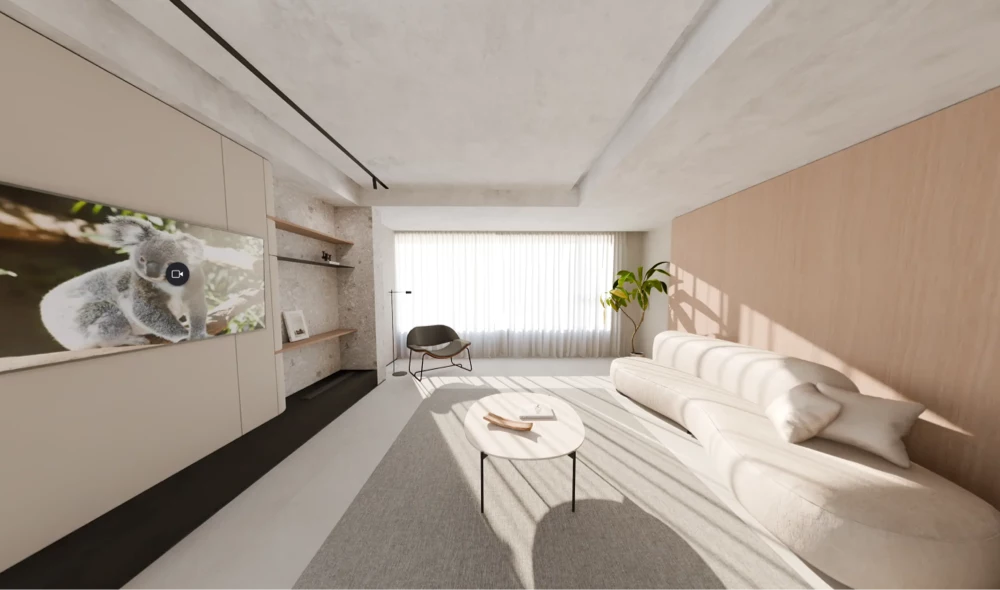

 Okay
Okay