A
B
Create
Preview
🚀 PUBLISH 🚀 SHARE
Add
Drop in multiple 360° photos or click to upload
Click anywhere to upload an image.
Use 2:1 aspect ratio image under 50MB size.
Choose Images
Cancel
Thank you! Your submission has been received!
Oops! Something went wrong while submitting the form.
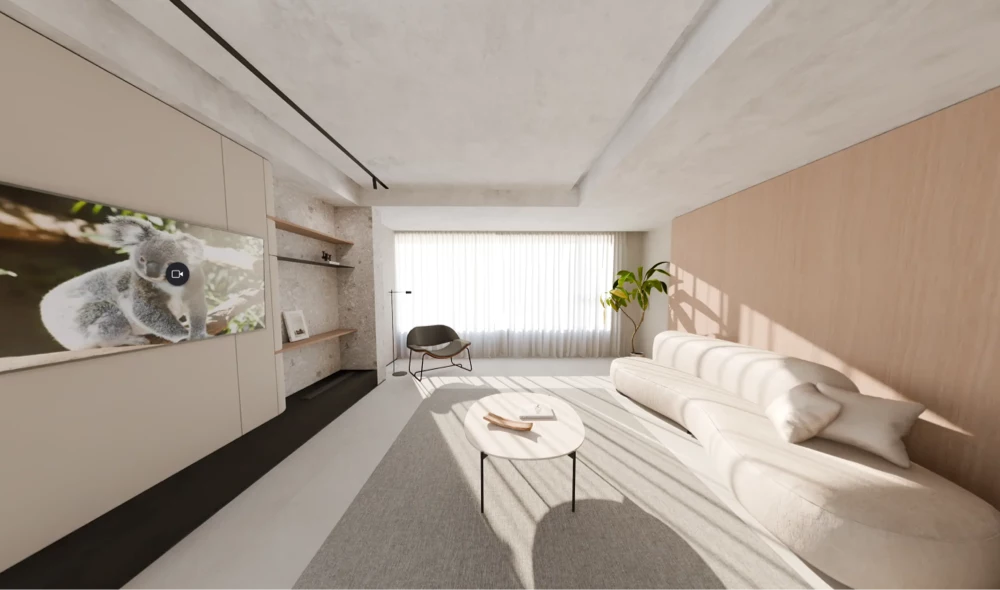
Example 360 panorama

Example Tour

Start with a sample 360° image to explore the editor. Replace it anytime!

Upload Image

Upload your own 360° panorama images.
Learn how to capture 360° photos →

Cancel

Edit Pano

💡 Link images by Dragging and Dropping
another thumbnail into your scene.
Tap to replace 2:1 ratio image. Max size 25MB
browse
Tip: DOUBLE TAP to toggle between A/B variation
Primary and Secondary images. Great for before/after shots!
browse Remove
Choose 1:1 square image .jpg or .png
160 x 160 px dimensions recommended
browse Remove
Cancel
Delete Panorama
Thank you! Your submission has been received!
Oops! Something went wrong while submitting the form.
Tap to Create 👇
single
+

Create Infospot

Write something here.

Max size 5MB. .jpg or .png
Youtube or Vimeo
Upload Audio
Remember to include https://
Thank you! Your submission has been received!
Oops! Something went wrong while submitting the form.
Made with Koala360 Upgrade to remove watermark
Tour Name
Author
Thank you! Your submission has been received!
Oops! Something went wrong while submitting the form.

Publish & Share 🚀

Share URL
VIEW TOUR ↗
⚠️ Includes Koala branding. Upgrade to PRO to remove watermark and branding.
Embed
CLOSE

⏰ Coming Soon

We can't wait to share what we've been working on, but sadly this feature isn't quite ready for you yet.

Please come back soon!

Go Back
Your tour is currently Unpublished

You must publish your tour to make it visible to people you share it with.

PUBLISH NOW

⚙️ Tour Settings

Preview
🌎 General
🎛️ Controls
🎨 Look & Feel

Choose how navigation hotspots appear. Thumbnail shows a preview of the destination panorama.

Original
Dark
Light

Choose how text, image and video infospots display their content.

🎡 Auto-Rotate
🔁 Image Variations (A/B)

💡 What are Image Variations?
Add a second 360° image to any panorama to create before/after comparisons, day/night views, or show different design options.

How to use: Edit any panorama and upload a "Secondary Image (Variation B)" to enable this feature. Then choose how viewers can switch between them below.

🔒 Privacy

Secure your tour by requiring visitors type a password to access your published tour.

Leave empty to allow anyone to see your tour.

Thank you! Your submission has been received!
Oops! Something went wrong while submitting the form.
Tour Not Found or is Unpublished.

If you are the owner, please login to publish your tour.
GO hOME

Tour Published 🎉

Congratulations! You can now share your tour URL or embed on your website.

Please note: any changes you make to your tour will be automatically reflected on your published tour.

Okay

Title

Body description here. Body description here. Body description here. Body description here. Body description here.
Okay
N
NE
E
SE
S
SW
W
NW