
Drop in text, images, video, audio, or links — five content types that turn a static panorama into an interactive, self-guided experience.
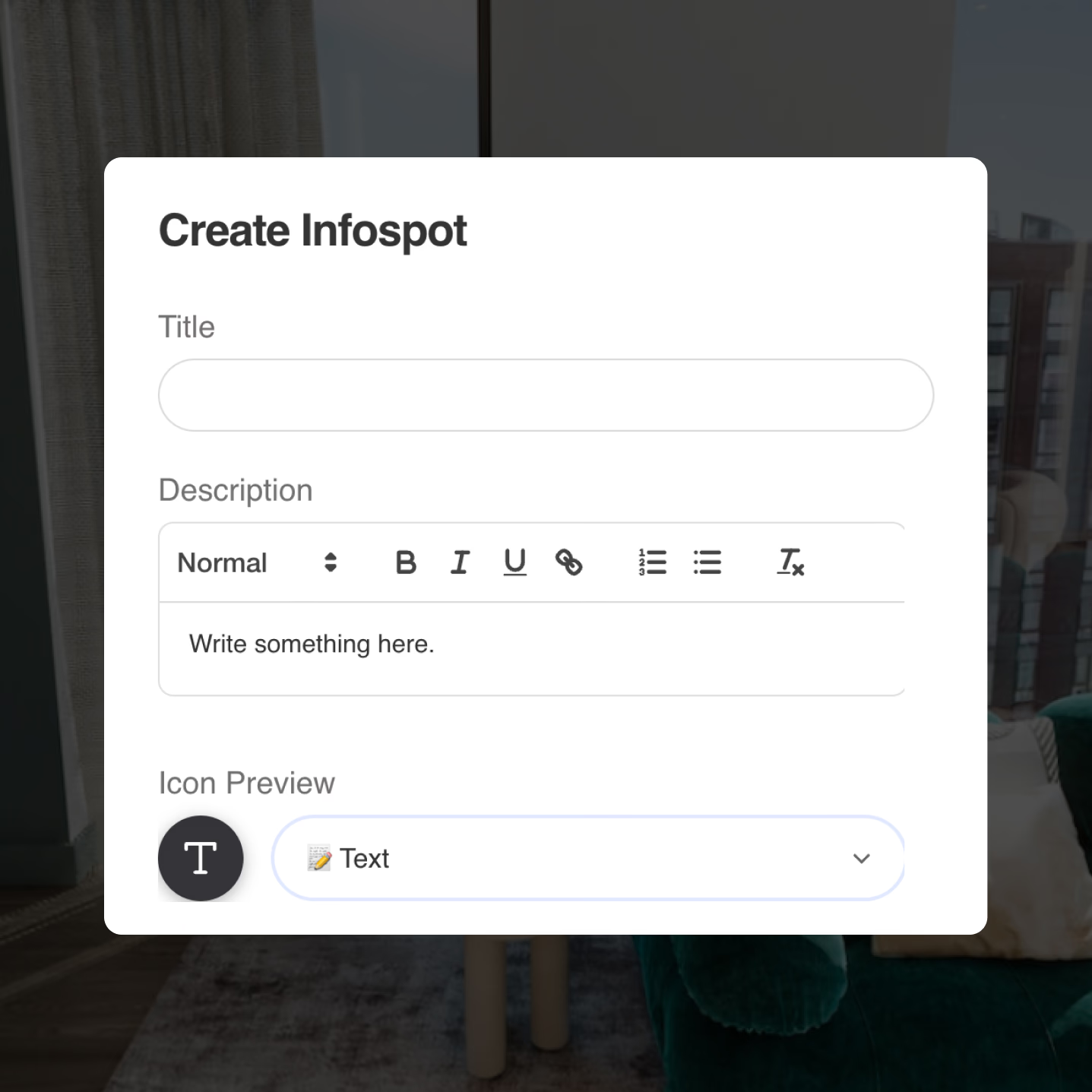
Describe what viewers are looking at. Add formatted text with headings, bold, lists, and links — perfect for room descriptions, property specs, material callouts, or exhibit notes. Context appears exactly where it matters.
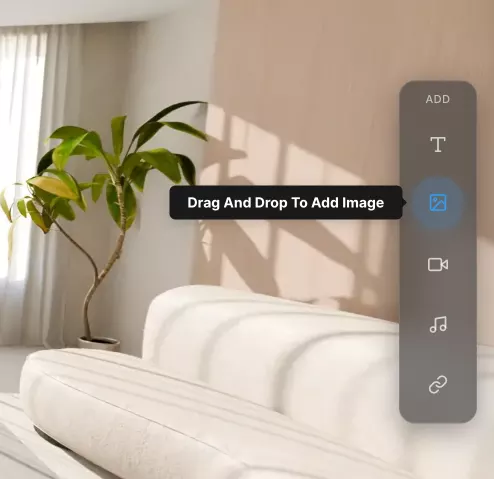
Show the details a panorama can't capture alone. Upload close-up photos, floor plans, material swatches, or before-and-after shots. Images open in-tour so viewers never leave the experience.
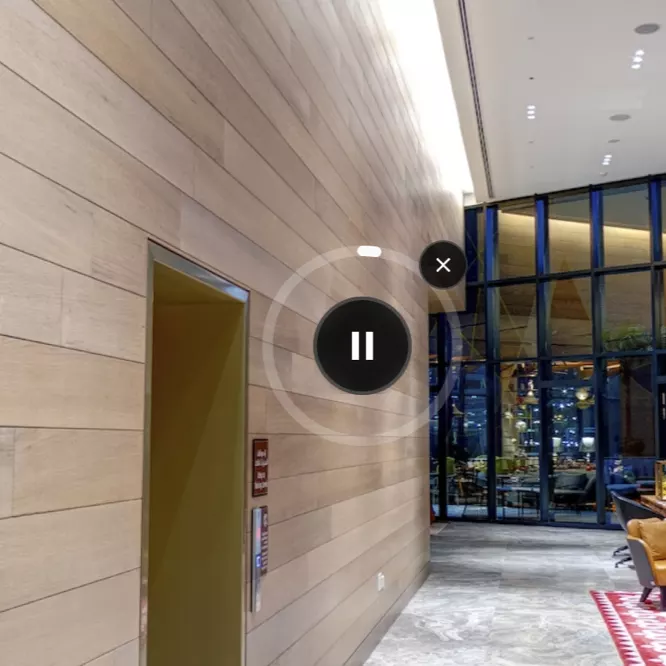
Let the space speak for itself. Upload narration, spoken instructions, or ambient sound that plays in context. Ideal for guided tours, museum exhibits, and property walkthroughs where a voice adds warmth and authority.
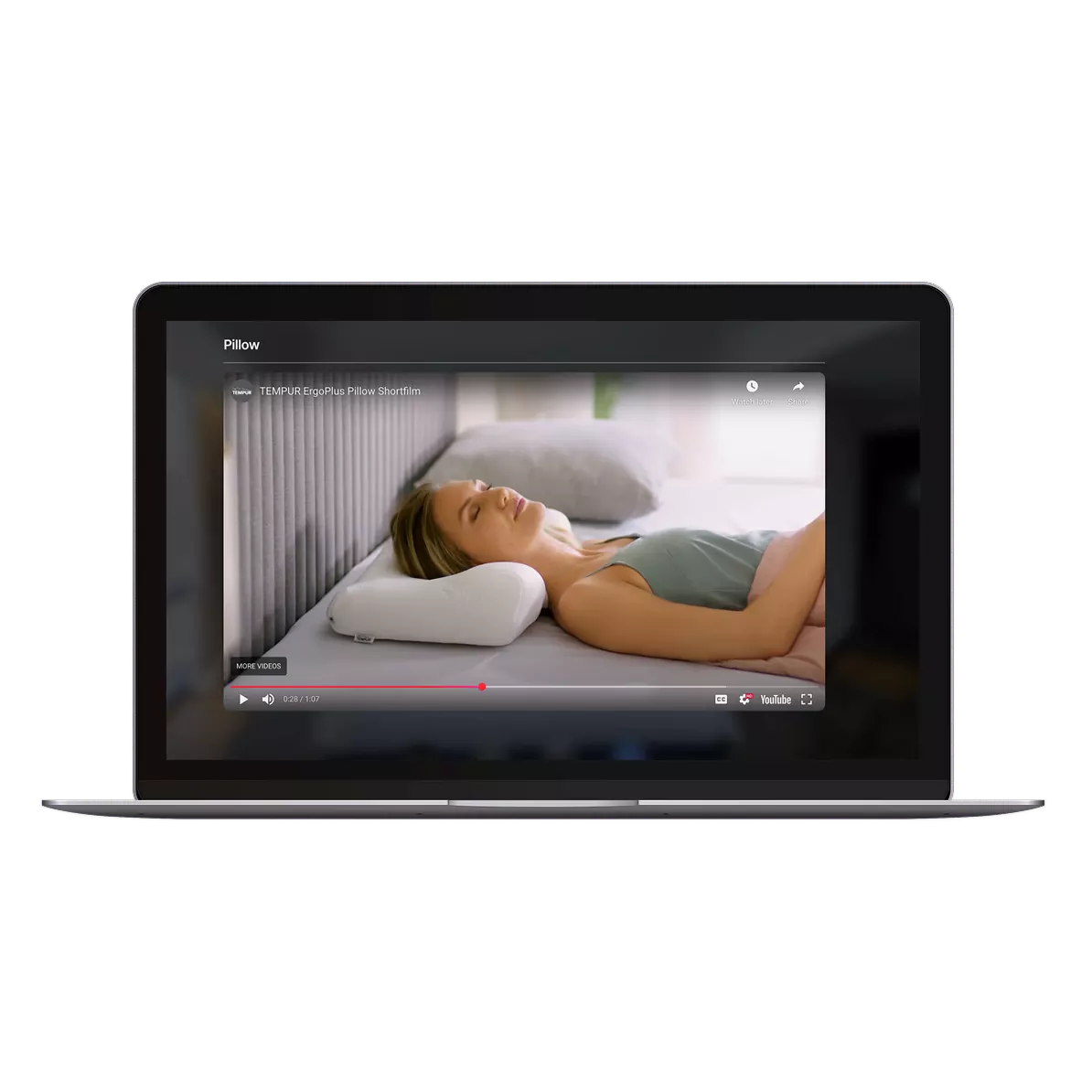
Embed a YouTube or Vimeo clip right inside the tour. Product walkthroughs, testimonials, construction timelapses, or agent introductions — viewers watch without leaving the panorama.
Connect viewers to the wider world. Link to booking pages, spec sheets, brochures, or any external resource. Links open in a new tab so the tour stays put — turning your tour into a hub that drives real action.
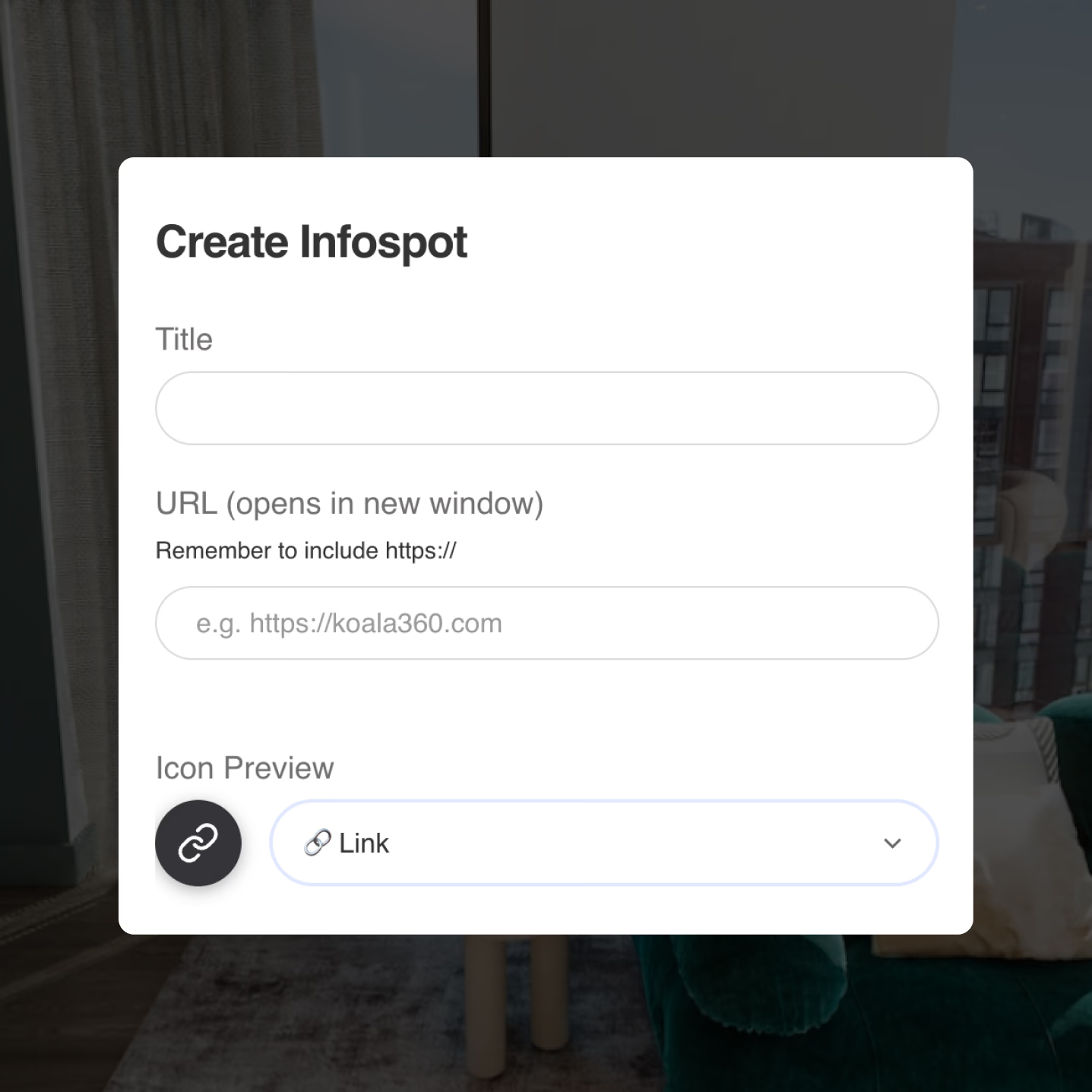
Click where you want it, choose your content type, and publish. Rich context exactly where viewers are looking.
Try it yourselfClick anywhere in the panorama to place an infospot. Drag to reposition — it stays anchored to that exact spot.
Text, images, video, audio, or links — pick a type, fill it in, and select an icon that fits.
Every device, no app install. Viewers tap to learn — your tour becomes a self-guided experience.
Everything you need to know about infospots
Five types: formatted text with headings and links, images (JPG/PNG up to 5 MB), embedded video (YouTube or Vimeo), uploaded audio clips, and external URLs that open in a new tab.
Yes. Add links to specs, PDFs, booking pages, or any external URL directly within an infospot. Links open in a new window so the tour stays in place.
No. Infospots appear as subtle icons in the panorama. Content only reveals when a viewer taps, keeping the view clean and uncluttered.
Yes. Drag any infospot to reposition it. It stays anchored to the exact spot in the panorama wherever you place it.
Yes. Choose from a library of icons — info, text, image, video, audio, link, help, eye, and home — so each infospot signals what type of content it holds.
Yes. The Free plan gives you access to every feature with no payment required. Create unlimited tours, add hotspots, customise settings, and publish. Free tours include Koala branding — upgrade to Pro or Unlimited when you're ready to remove it.
Any camera or software that produces equirectangular 360° images. That includes Ricoh Theta, Insta360, GoPro MAX, and CGI renders from tools like 3ds Max, Blender, or Enscape.
Yes. Tours are fully responsive and work on desktop, tablet, and mobile browsers. Viewers don't need to install an app — just open the link.
No. Everything is managed through a visual dashboard — upload images, place hotspots, customise settings, and publish. No code required at any step.
Upload your 360° images, add hotspots, and share.Join thousands of agents, architects, photographers, and studios already using Koala.