
Showcase landscapes, events, and aerial 360° photography in immersive tours. Stand out with experiences clients can explore, not just scroll past.
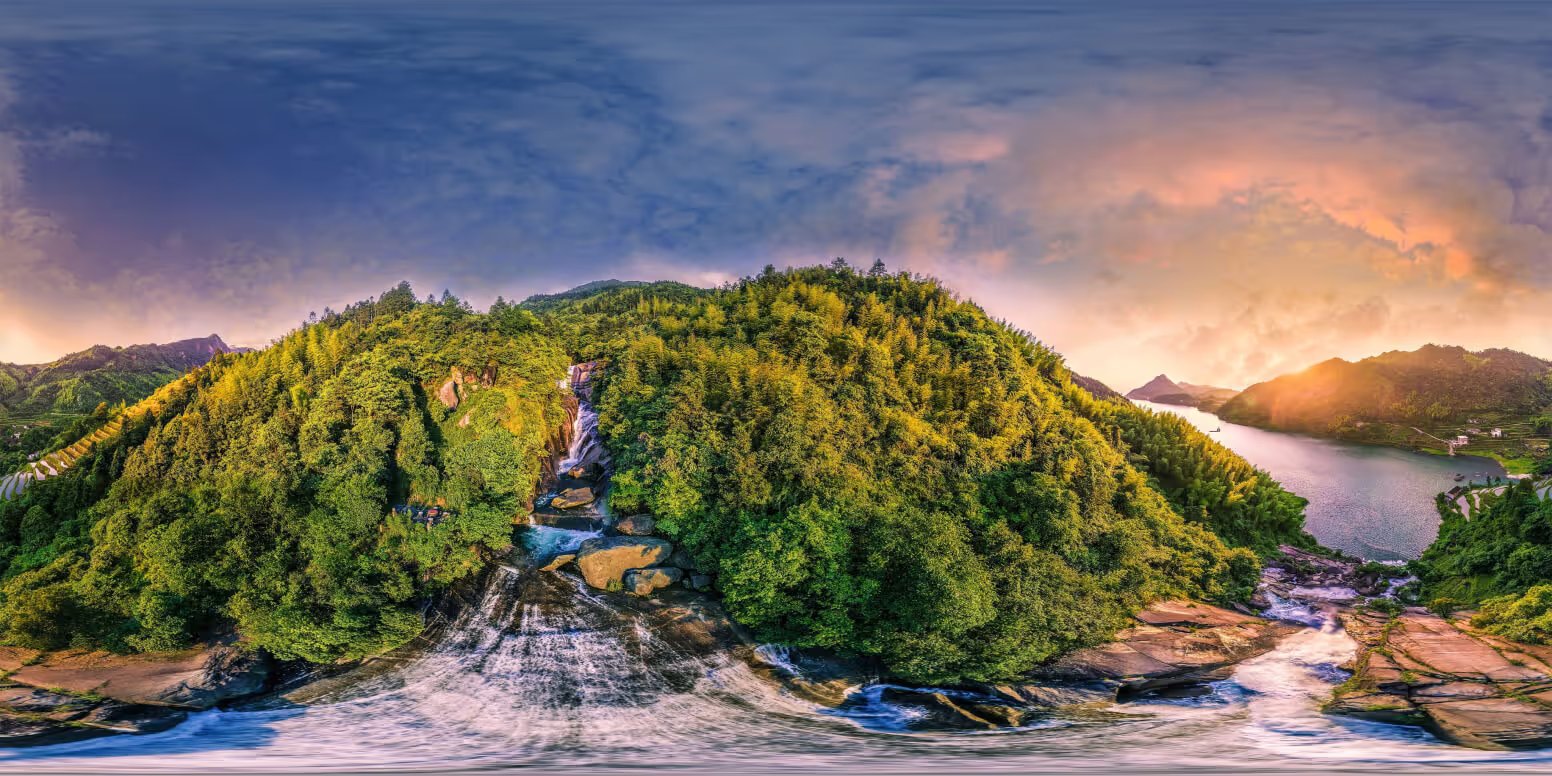
Interactive 360° photography — drag to explore the scene
360° photos lose impact when flattened. Give clients and viewers an experience they can step into.
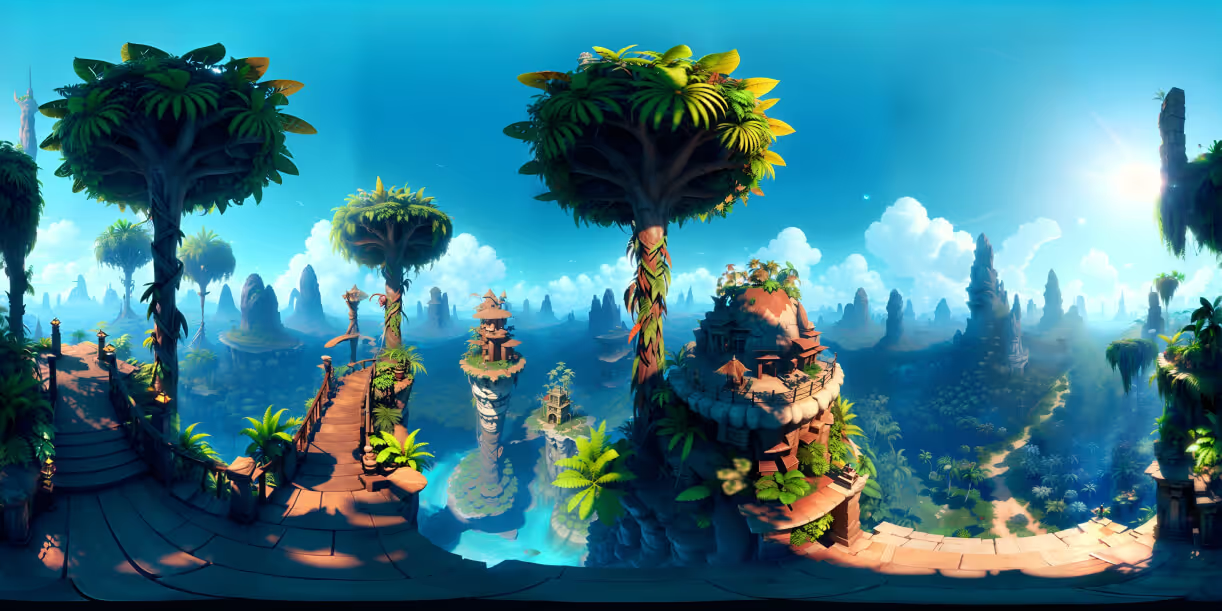
Let viewers stand in the scene. Perfect for travel, nature, and editorial work.
Document weddings, conferences, or venues in a way flat photos can't.
Aerial 360° shots are stunning — give clients a perspective they can't ignore.

Flat image galleries get scrolled past. 360° tours demand engagement. Viewers spend longer with your work and remember your name.
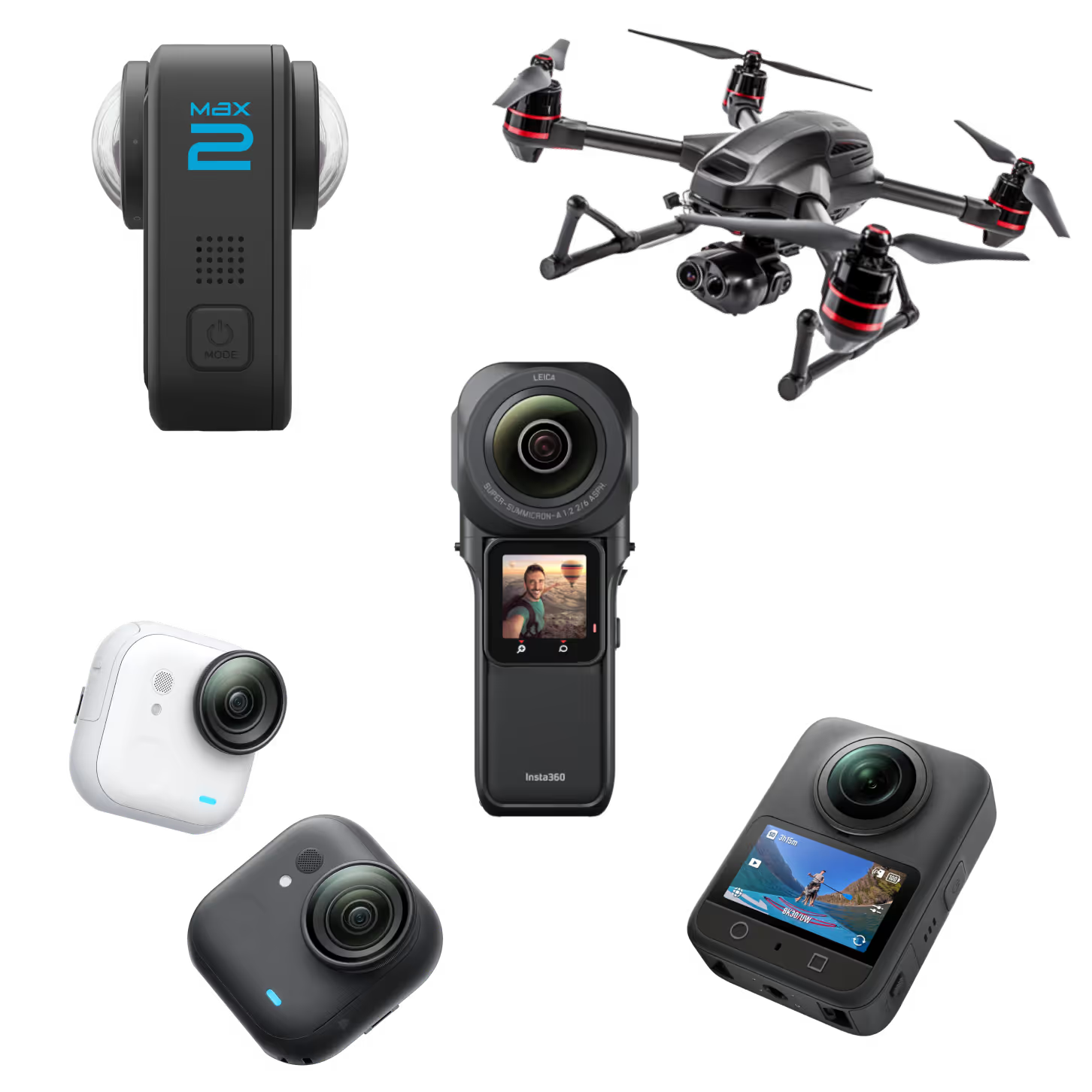
From consumer 360 cameras to professional DSLR panoramas — Koala supports every equirectangular format. No lock-in.
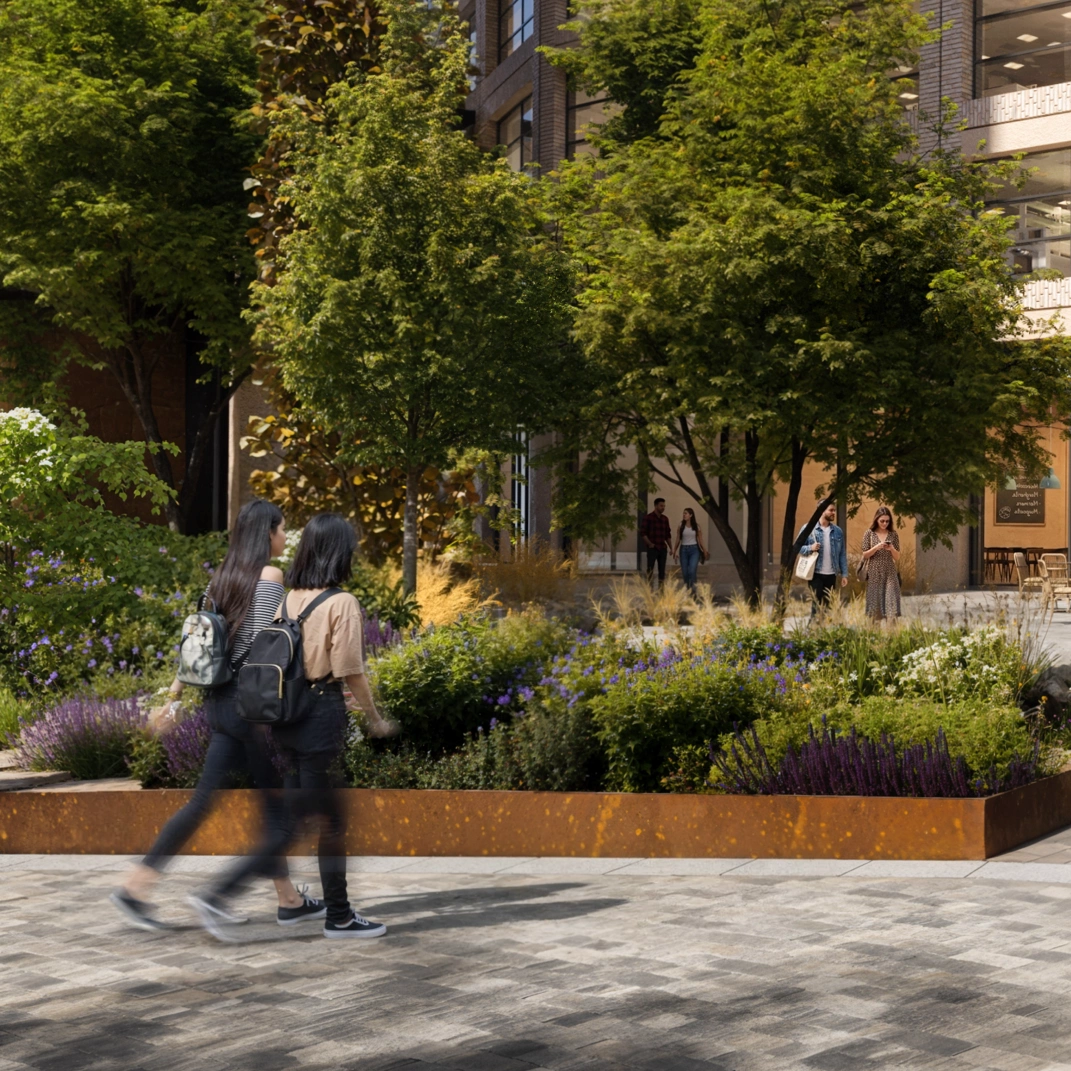
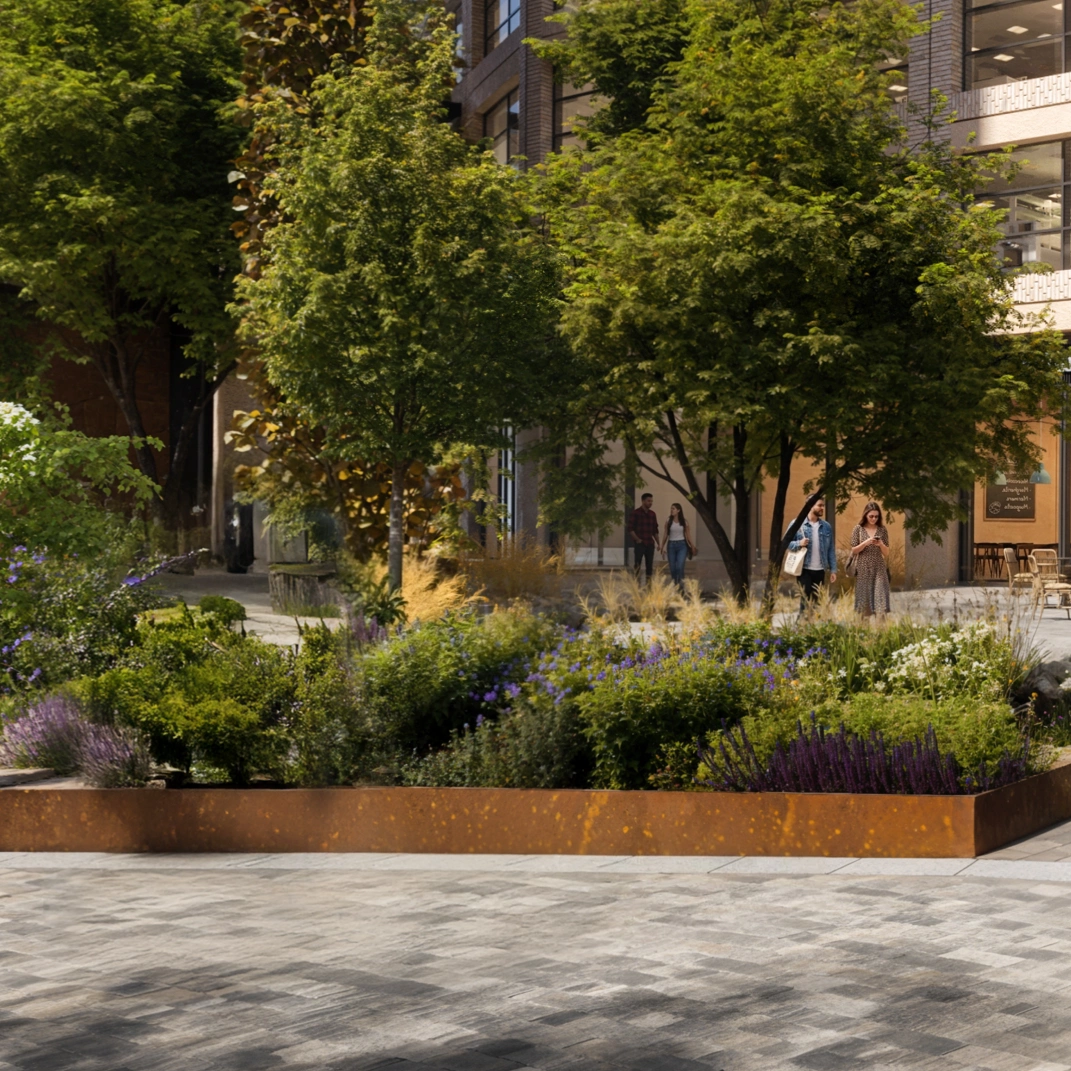
Bystanders walked through your shoot? Tripod sitting in every floor shot? Click once. The AI cleans it up while you move on to the next location. No Photoshop, no plugins.
Present, protect, and share immersive photography with professional-grade tools.
Guide viewers through your space with click-through hotspots. Link scenes together so users can move from room to room intuitively. Essential for property tours, hospitality venues, and campus walkthroughs.
Add context where it matters. Embed text, images, video, audio, or links directly inside the tour to educate and engage viewers. Perfect for real estate agents, universities, and museums.
Let viewers switch between lighting conditions to compare Day vs Night, Before vs After, or design variants — directly inside the tour. Ideal for architects, interior designers, and CGI studios presenting multiple options to clients.
Give viewers a sense of direction. The compass overlay shows real-world orientation as they navigate through the tour. Ideal for property agents and architectural walkthroughs where spatial context matters.
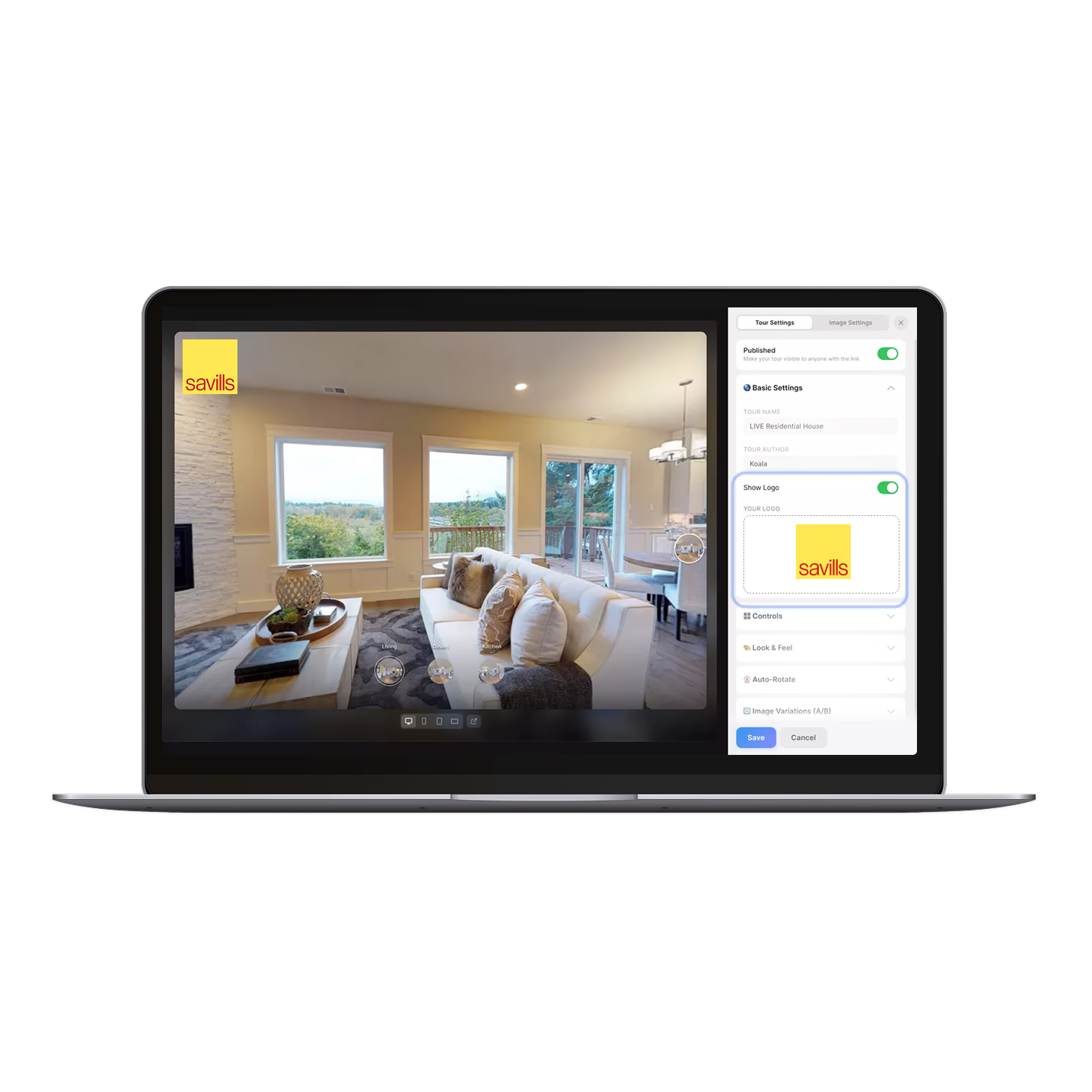
Remove Koala branding and add your own logo for fully client-ready presentations. White-label the viewer on paid plans. Popular with agencies, photographers, and studios delivering to clients.
Get your tour in front of the right people — on your website, in listings, or via a simple link. One line of code, responsive on every device. Great for marketers, web developers, and property listings.
Lock tours behind a password for exclusive listings or private client previews. Control who sees your content. Used by real estate agents and design studios sharing confidential work.
Invite your team to create and manage tours together. Unlimited members on the Unlimited plan. Built for agencies, studios, and any team managing multiple tours at scale.

From 3D studios to real estate agents — professionals trust Koala 360 to impress clients.
Our CGI company needed a virtual tour solution to host 360° images for our property clients. Koala 360 is perfect for this — super easy to use and the output looks incredible. We're rolling this out across all our clients now.

Oliver Jay
Founder, REVERE 3D
When RoundMe shut down we had dozens of client tours suddenly gone. Moving everything to Koala 360 was painless — the import process was straightforward and we were back up within a day. Haven't looked back since.
James Whitfield
Real Estate Photographer
We use Koala 360 to host our CGI architectural visualisations. Clients can now walk through a building that hasn't been built yet. It completely changes the conversation — they're engaging emotionally with a render, not just reviewing it on a screen.
We A/B tested listing pages — one with a standard photo gallery, one with a Koala 360 tour embedded. The tour version had a 40% higher time-on-page and nearly double the enquiry rate. It's now a non-negotiable for every listing we take on.
I created tours of my travels for friends and family. They loved the photos — but were completely amazed by the 360° experience. I never thought the difference would be so dramatic.

Luke Bonnici
Travel Photographer
We use Koala 360 to give prospective students a virtual campus walkthrough. Applications from international students have genuinely increased since we launched it.
As a drone photographer, my aerial 360° shots were always impressive — but Koala 360 gave them a home. Clients can now actually experience the perspective, not just view a flat image. It's transformed how I pitch my work.
Declan Moore
Aerial Photographer & Drone Pilot
I suggested a feature and it was live within two weeks. You just don't get that kind of responsiveness from bigger platforms. Feels like the product is being built with its users, not just for them.
Upload, add navigation, share. No coding required.
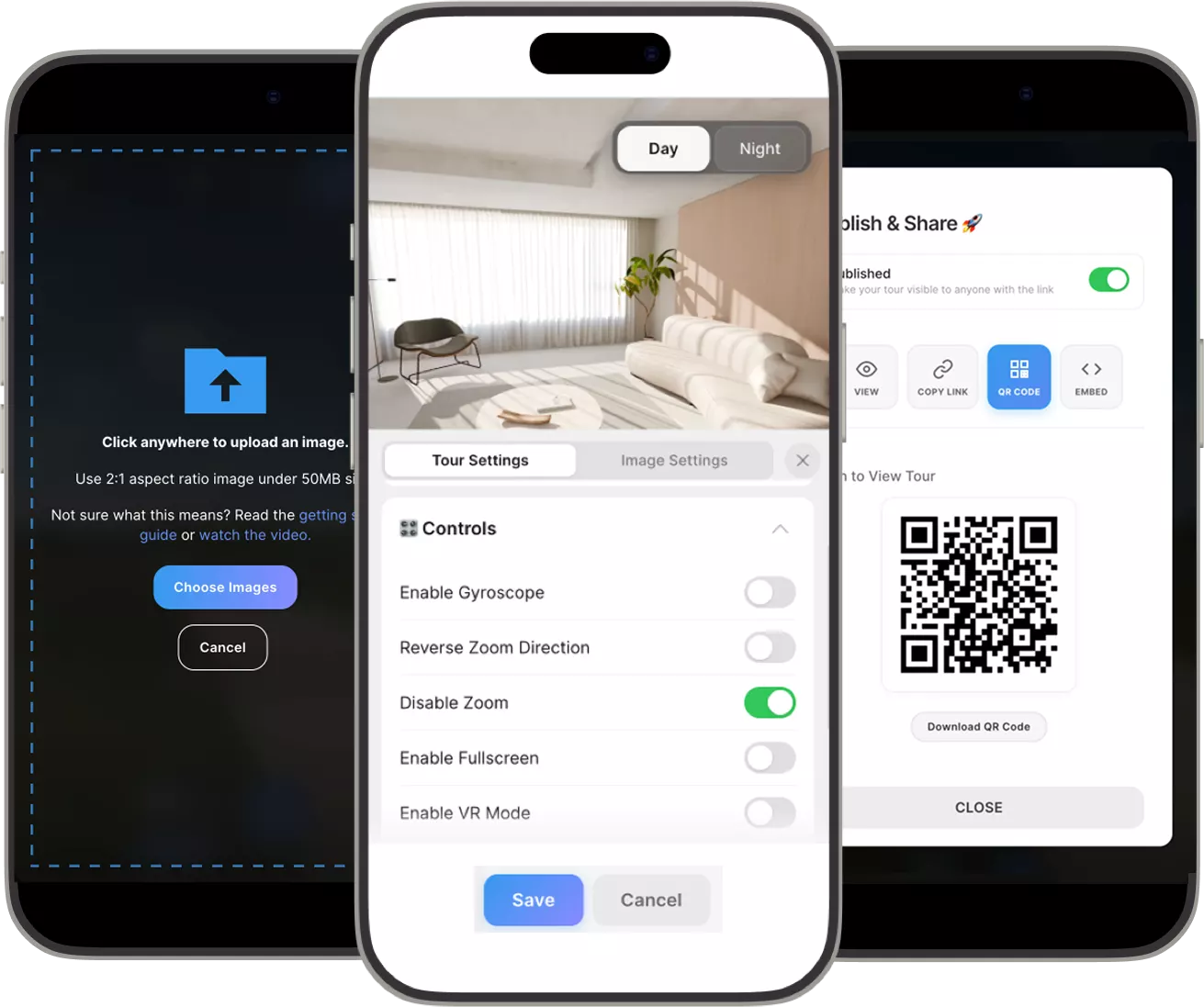
Drag-and-drop from any 360° camera or stitched panorama. Equirectangular format required.
Link scenes with hotspots. Add infospots for captions or context.
Embed in your portfolio, share a link, or send to clients. Works everywhere.
Upload your 360° images, add hotspots, and share.Join thousands of agents, architects, photographers, and studios already using Koala.